Notification
UPSC IFoS Mains 2026 Time Table: Exam Dates, Schedule and Preparation
UPSC IFoS Mains 2026 timetable is available. Check the 22 November exam start date, official PDF download steps, e-Admit Card guidance and preparation tips.
- Published
- Reading time
- 5 min read
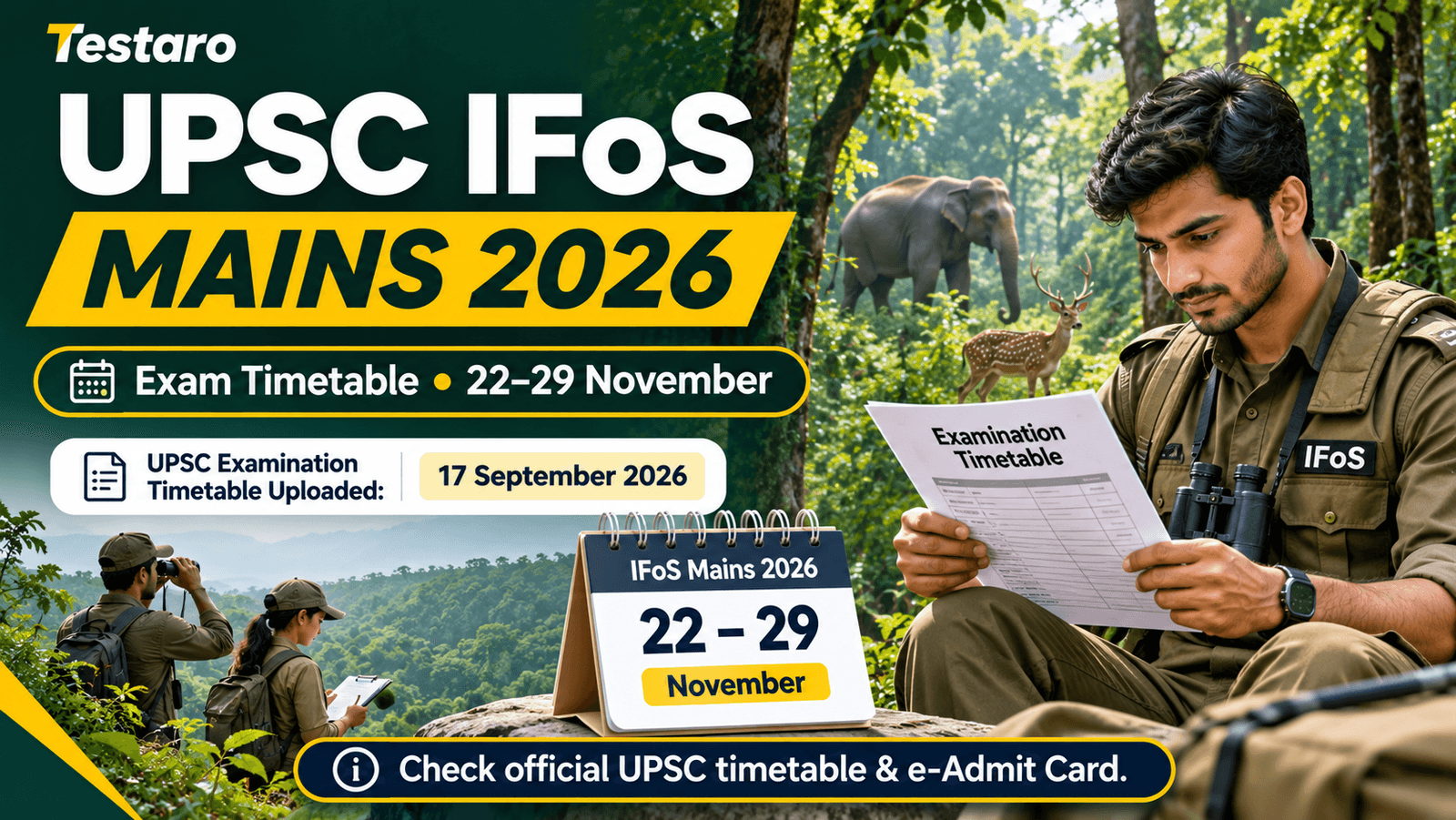
Table of contents
The Union Public Service Commission (UPSC) has uploaded the examination time table for the Indian Forest Service (Main) Examination, 2026. The official active-examinations page lists 22 November 2026 as the commencement date, and the dedicated examination page lists the timetable document as uploaded on 17 September 2026.
Candidates who qualified through the Indian Forest Service screening route should now review the official timetable and use their e-Admit Card to confirm the date, paper and session applicable to their optional subject. The schedule is important for planning revision, travel and examination-day arrangements.
UPSC IFoS Mains 2026: Key Highlights
| Particular | Details |
|---|---|
| Conducting body | Union Public Service Commission |
| Examination | Indian Forest Service (Main) Examination, 2026 |
| Exam commencement date | 22 November 2026 |
| Timetable upload date | 17 September 2026 |
| Timetable status | Available on UPSC website |
| Screening route | Civil Services (Preliminary) Examination, 2026 |
| Official website | upsc.gov.in |
The Commission's dedicated IFoS Main page contains the timetable under “Documents & Downloads”. Candidates should download the PDF directly from UPSC rather than relying on an unofficial timetable image.
UPSC IFoS Mains 2026 Exam Date and Schedule
According to the UPSC active examination listing, the Indian Forest Service (Main) Examination, 2026 is scheduled to commence on 22 November 2026. The timetable document was uploaded on 17 September 2026.
The official PDF contains the paper-wise schedule. Candidates should identify the dates and sessions for compulsory papers and the optional subject selected in their application. The official timetable and the candidate's e-Admit Card take precedence over third-party date tables.
Official timetable: UPSC IFoS Main Examination 2026
How to Download UPSC IFoS Mains Time Table 2026
- Visit the UPSC official website.
- Open the Active Examinations section.
- Select “Indian Forest Service (Main) Examination, 2026”.
- Go to “Documents & Downloads”.
- Find the document labelled “Examination Time Table”.
- Open or download the PDF.
- Check the dates and sessions relevant to your compulsory and optional papers.
- Save the PDF and compare it with your e-Admit Card when available.
What Candidates Should Check in the Timetable
- Compulsory papers: Note the date and session of each compulsory paper.
- Optional subject papers: Confirm both papers of the optional subject chosen in the application.
- Session timings: Check the exact reporting time and examination timings in the official PDF and e-Admit Card.
- Examination centre: Confirm the centre address on the e-Admit Card.
- Instructions: Review permitted stationery, identity proof requirements and prohibited items.
- Travel plan: Arrange transport and accommodation only after checking the centre details.
The timetable provides the paper schedule; the e-Admit Card provides candidate-specific venue and examination instructions. Candidates should check both.
UPSC IFoS Mains Preparation Strategy
With the Main examination approaching, preparation should focus on structured revision and answer-writing practice rather than trying to cover every topic from scratch.
1. Organise revision paper-wise
Create a checklist based on the official timetable. Allocate fixed revision blocks to compulsory papers and both papers of the chosen optional subject. Give extra time to areas where recall or answer structure is weak.
2. Practise timed answers
Practise writing answers under timed conditions. Review whether each answer addresses the question directly, uses relevant examples and follows a logical structure. Track recurring mistakes and work on them in the next practice session.
3. Revise core concepts and applied topics
For the optional subject, prioritise foundational concepts, diagrams, examples and applications relevant to the syllabus. For environment- and forestry-related themes, connect conceptual knowledge with conservation, biodiversity and forest management where relevant to the question.
4. Use previous question papers
Solve previous IFoS Main question papers to understand the nature and depth of questions. Maintain a short list of recurring themes and revise mistakes from mock tests. Previous questions are useful for practice, not a guarantee of what will appear.
5. Prepare examination logistics early
Download the e-Admit Card when UPSC makes it available, check the centre location and plan travel in advance. Keep the required identity document and permitted items ready. Follow the latest UPSC instructions for reporting and entry.
e-Admit Card and Examination-Day Instructions
Candidates should regularly check the UPSC website for the IFoS Main e-Admit Card and any examination-day notice. The timetable and e-Admit Card serve different purposes: the timetable gives the paper schedule, while the e-Admit Card confirms the candidate's allotted centre and individual instructions.
The timetable listing alone does not confirm an e-Admit Card release date. Candidates should wait for a separate official announcement instead of relying on unverified claims.
Important Official Links
Frequently Asked Questions
The UPSC active examinations page lists 22 November 2026 as the commencement date.
Yes. The dedicated UPSC examination page lists the Examination Time Table document, uploaded on 17 September 2026.
Visit the UPSC IFoS Main 2026 examination page and open the Examination Time Table under Documents & Downloads.
No. The timetable provides the paper-wise schedule. The e-Admit Card contains candidate-specific details such as the examination centre and instructions.
Download the official timetable PDF and locate the papers corresponding to the optional subject selected in the application. Verify both papers and their sessions.
No. Candidates should wait for a separate official UPSC announcement about the e-Admit Card.
Check the official UPSC website and the dedicated IFoS Main examination page.
Disclaimer: This article is an informational guide based on the UPSC examination listing and timetable availability. Candidates must verify paper-wise dates, session timings, e-Admit Card details and examination instructions in the latest official UPSC documents. In case of any difference, the official UPSC notice and e-Admit Card will prevail.